Here you’ll find everything you need to get the most out of Invevo — from quick-start tutorials to in-depth feature walkthroughs. Our training videos are designed to help you master the platform, streamline your processes, and unlock the full power of automated AR management.
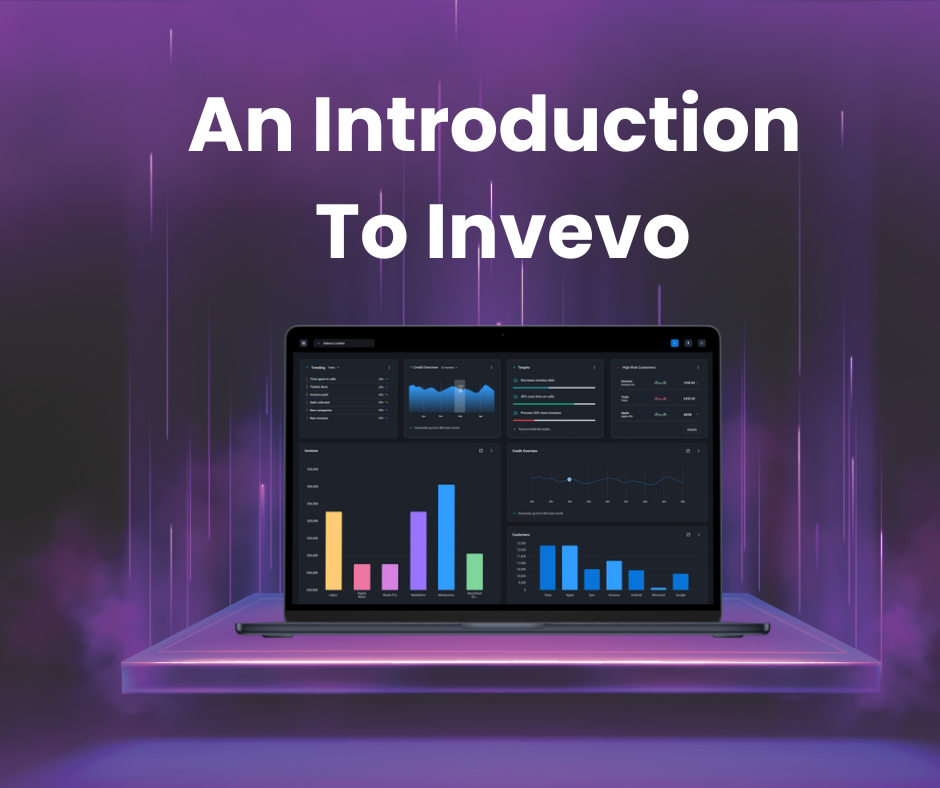
Learn how to move confidently around the Collector Workspace and understand where to find your da...
Watch video
Understand how grids work across Invevo, including how to sort, filter and personalise data views...
Watch video
Learn how to switch between light and dark mode on the Invevo dashboard.
Watch video
Learn how to open, action and complete tasks correctly so progress is tracked and workflows conti...
Watch video
This section shows how to create tasks, assign ownership and set priorities to ensure work is cap...
Watch video
Learn how to organise and manage client follow-up dates in Invevo.
Watch video
Explore the Customer 360 view to see a complete picture of a customer, including balances, activi...
Watch video
Learn how the Daily Stand-Up view helps you review workload, track progress and focus on what nee...
Watch video
This guide walks through the Credit Manager Workspace, highlighting key tools for oversight, risk...
Watch video
Understand how to read the CFO Dashboard to quickly assess cash flow, exposure and high-level rec...
Watch video
This section explains how to use the Last Seven Day Dashboard to review recent activity, performa...
Watch video
Learn how to manage document uploads and downloads in the Customer 360 view.
Watch video
Learn how to add, edit, and manage contacts in the Customer 360° view.
Watch video
Learn how to send email replies from the Customer 360° view.
Watch video